After I clicked on a link, the website almost instantly appeared on my screen. However, within this instant, a lot of things had happened.
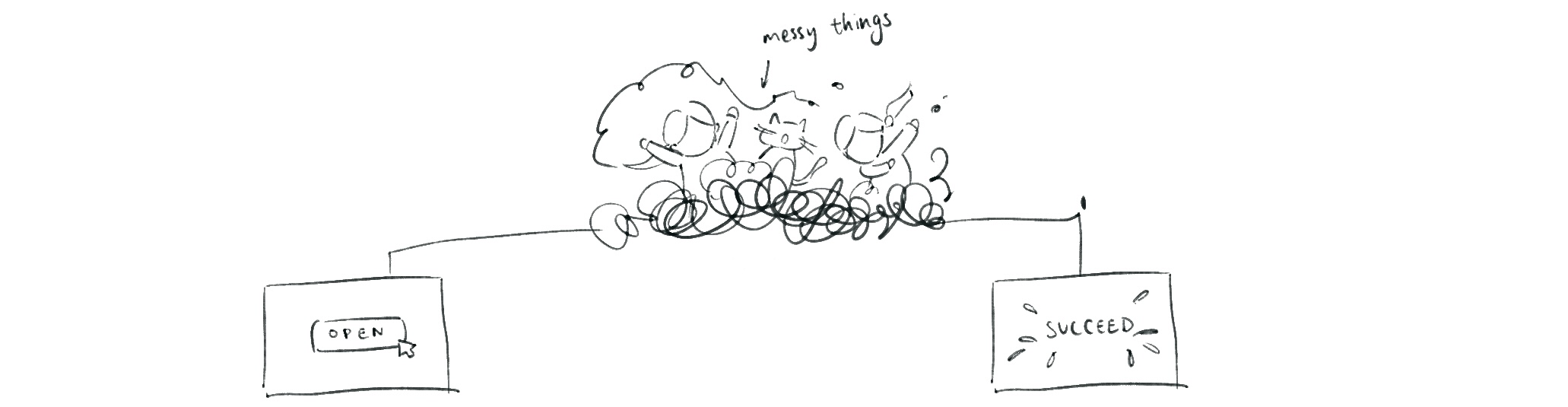
Note: A web page is not static like a file; rather, it is more like real-time data manipulation.
Understanding the Webpage Path
For this episode, let’s understand a webpage as a path dealing with information. At various stages, the data is being processed to form the final result for the user.
Here is the chain of the stages:
Source → Storage → Render → Deliver → Presentation
Let’s dive in!

1. Source (Data & UI Template)
This is the fundamental information that serves as the contents and UI template of a webpage.
Contents: The data that can be changed. For a blog, this can refer to an article; on social media, a post; and on an e-commerce platform like Amazon, product data including price and inventory.
The data can include the user’s context. These data are alterable. For example, your login state, location, search input, or what’s in your cart.
UI Templates: UI refers to user interface. This is the HTML template. But this structure isn’t filled with contents yet.
Remember: In the last episode, we talked about the 3 major parts of software design starting with HTML. But a software doesn’t begin with HTML—it starts with information: the contents and the templates.
2. Storage (Memory)
Information needs to be saved to be reusable and remain stable. This step is called storage. We can store data in the database, markdown files, or a CMS.
[Note: Each storage method has different use cases and purposes that will be explored in future articles]
3. Render
Rendering translates information from the source (data and the templates) into HTML—what the computer browser can read as a structure.
A website is not the data itself. It is the result of the data being “translated” into HTML at a certain time. That’s why we say software is dynamic; the HTML can be generated multiple times, when the system needs to refresh the data as:
- The author updates the content
- The user enters an input (like switching to next page)
This way the software can adapt to any changes.
Software differs in when and where the HTML is rendered. It can happen in three places:
- Server-side: The remote, main computer that helps you process
- Build-time: Pre-rendered during the build process
- Browser-side: The local environment that helps you process
4. Deliver
Now we got the HTML. It has to be brought to you through the network. Delivery deals with the speed and stability of this transfer.
5. Presentation
This last step happens in the browser. The browser now has to process the HTML, CSS, and JS to present to you.
Render vs. Presentation
Wait a second. We can see similarities shared between render and presentation. They do not contradict or overlap.
- Render is about: “Where/when does the HTML get generated?”
- Presentation is about: “After the HTML arrives, how does the browser turn it into what users see and interact with?”
When the rendering happens on the browser, rendering still exists, but simply gets delayed. The five steps we talk about here is only the model of the procedure. In different structures, some stages may occur earlier or be delayed.
The question “where does render happen?” determines the difference. Let’s talk about it in the next episode.